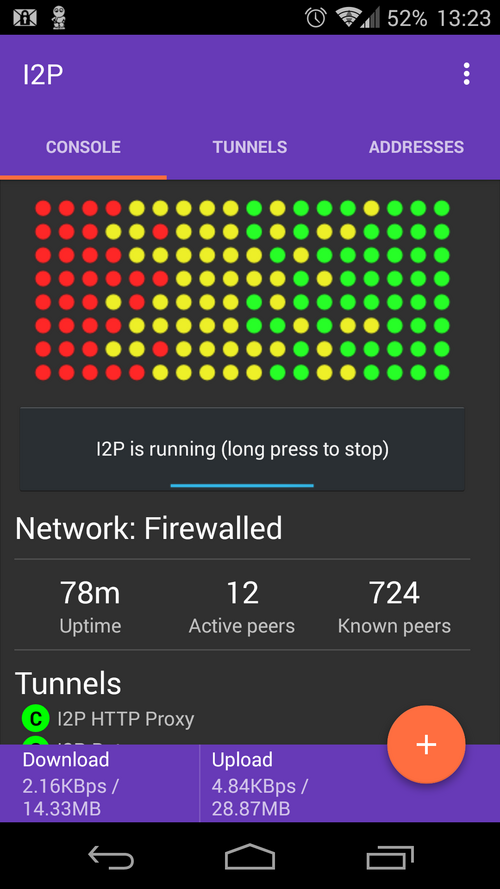
I2P - getting started
The Invisible Internet Project (I2P) is a closed network that provides a more secure and private alternative to the regular internet.
Introduction
Let's dedicate one post to covering the basics of using the Invisible Internet Project (I2P). This is a self-contained network designed to optimize privacy and security. You might be familiar with Tor already, and there are some similarities, but the primary difference is that I2P was not designed to proxy the "clearnet" - the rest of the internet.
I2P is an overlay network, or a network layer that runs on top of the clearnet. It is designed to let users use content within the network, and not intended for use as a proxy to clearnet resources.
The router console
Each node on this network acts as a router and the software is called the same since it describes the function. On I2P every node routes traffic, hence the moniker. There are several choices for router software. It does not matter so much which one you choose; they all adhere to the protocol.
The original router was written in java, and called i2p. It's successor is called i2p+ and should be used instead of the older one. It has built-in applications for common things. There is a torrenting program called ipsnark, an email front end for Bote, an addressbook front end called Susimail, and more. It has a full featured dashboard and links to lots of applications, so it's a good choice to use to get started.
A popular choice is i2pd, a router written in C++. This is the software I prefer, and it is a cleaner, more efficient version. It uses less memory, starts up faster and is just better in most ways - partly because C++ is just better than Java :p
browser setup
Unlike Tor, the project does not put out a dedicated browser to use. There are a couple of 3rd party efforts I'm aware of, but typically users will configure an installed browser for this purpose. Best practice is to create a new browser profile in Firefox or Librewolf.
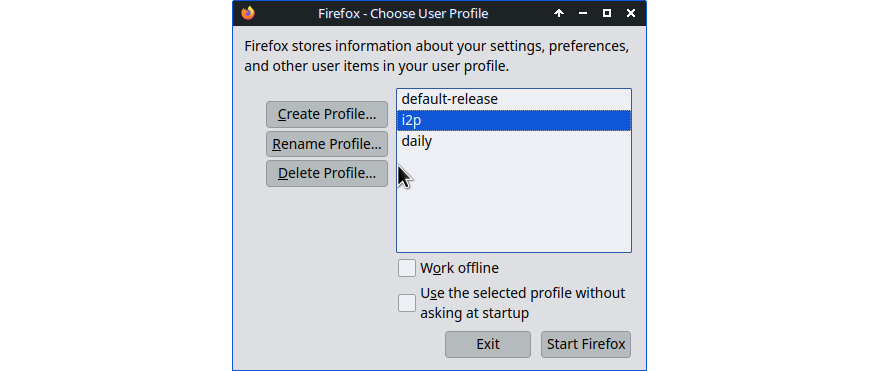
Chromium browser accepts proxy settings from the command line, like so:
/bin/chromium --proxy-server="http://127.0.0.1:4444"
proxy settings
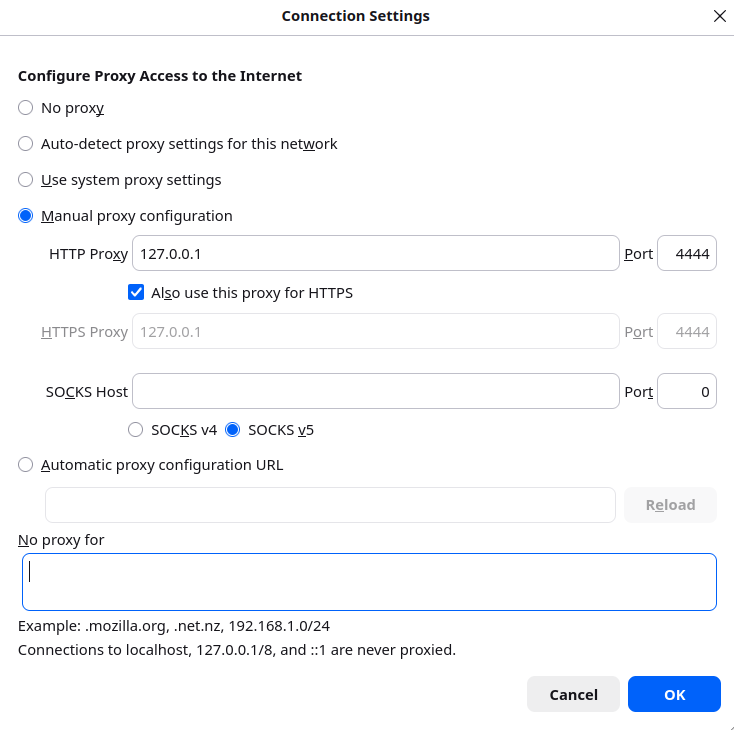
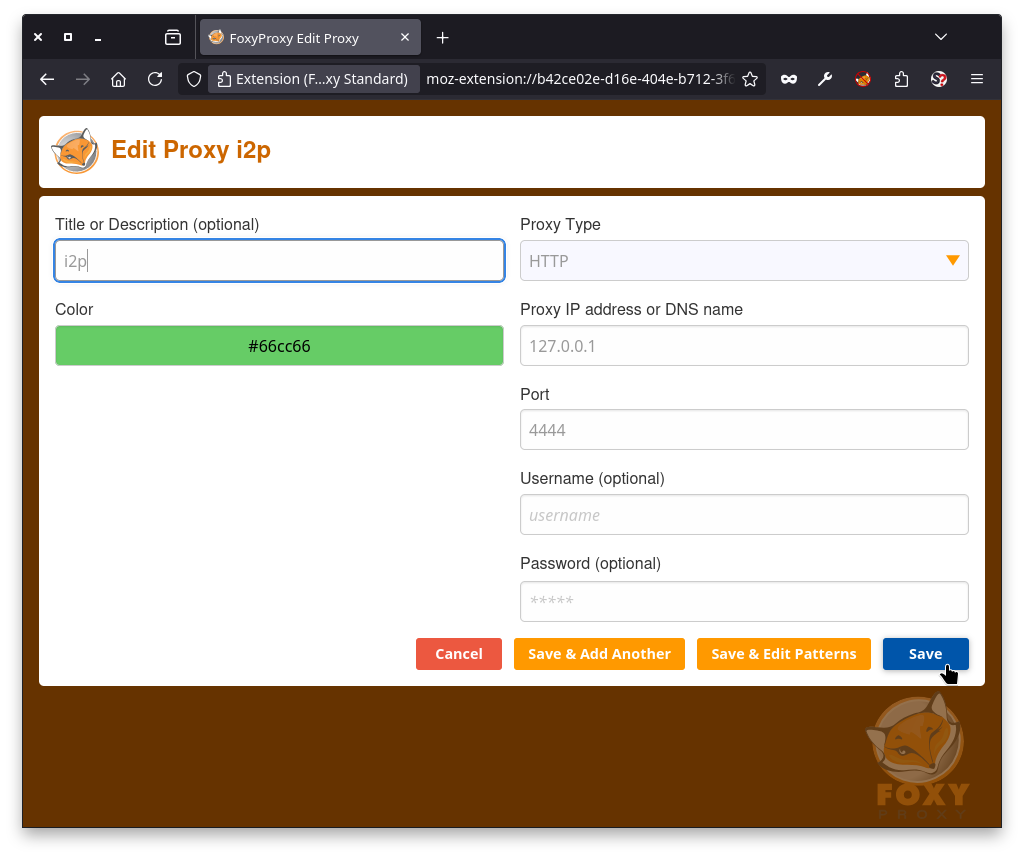
The change you must make to get an ordinary browser to use I2P is to set the proxy settings. The HTTP proxy should be set to localhost or 127.0.0.1, and 4444 for the port.
running programs over I2P
Some programs let you set the proxy to use and you can do so to use them in I2P. Go to preferences or settings and enter 127.0.0.1 as host and port 4444. Others will require setting this at the command line. You can set an environment variable:
export http_proxy=127.0.0.1:4444
/usr/bin/deluge
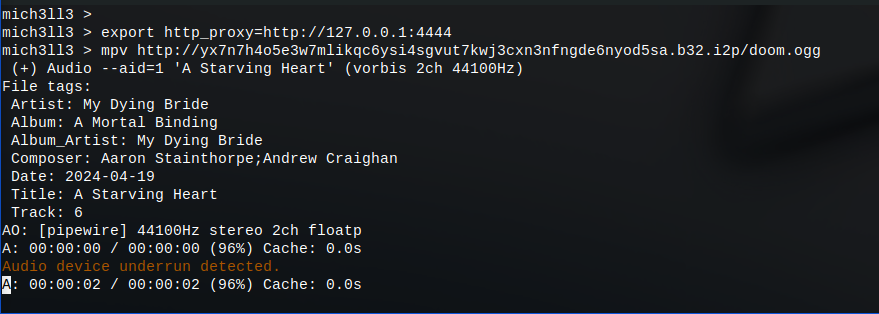
or if your command knows how to use proxies, like curl:
curl --proxy http://127.0.0.1:4444 reg.i2p/api/status/zzz.i2p
{
   "hostname": "notbob.i2p",
   "base64": "gOSToOvSkRewCcwl5mWXbnn1IElEBlGH92vAe0TI8C-Z4tC1DVMNdNlcnUTRcB7znjFTP0vQ42dIDs1dN2Co1kSJ~nXaef4QUS-Ou5kDogPLwJxI1Hj0djktSLKWJSL40FdQvWZ1rwQ7dnaRSyOm8lrgo~HbVlh682CM1JHmEGapQaYiF6zaP4uOpeTFlkk6wEYevQ3Pn4pctJD4XElVLrS2slEsbzim3O5FzFrIVYyskEbnpyMpyffwvsq0R~RF6bhDhQ15rAmJuju91WZ8iUlORQKipougCwBP9DxQ5zdXQWxxhSJ~h604dKhxncetl0skdErLHjwhSI2gl4o66juP9wsjaczBZo4RSil2uWMWApMgvan~9FSRtxriI5f6-X2fTopWa9KlUwMCBTiqYAy9bIdVVhS-xSdFhM~IGPEZ-rlIscdb3Z5Gh1osoO-~SglUcOpj7E-8XjjvsmLkUu9VBxscdD4p3aiyaHGSljkd3WPvlfaOBmqejqEgEWwqBQAEAAEAAA==",
   "base32": "nytzrhrjjfsutowojvxi7hphesskpqqr65wpistz6wa7cpajhp7a.b32.i2p",
   "last_seen": 1786500458
}
foxyproxy browser extension
To avoid switching between normal internet and I2P, a handy utility is a browser extension called FoxyProxy.
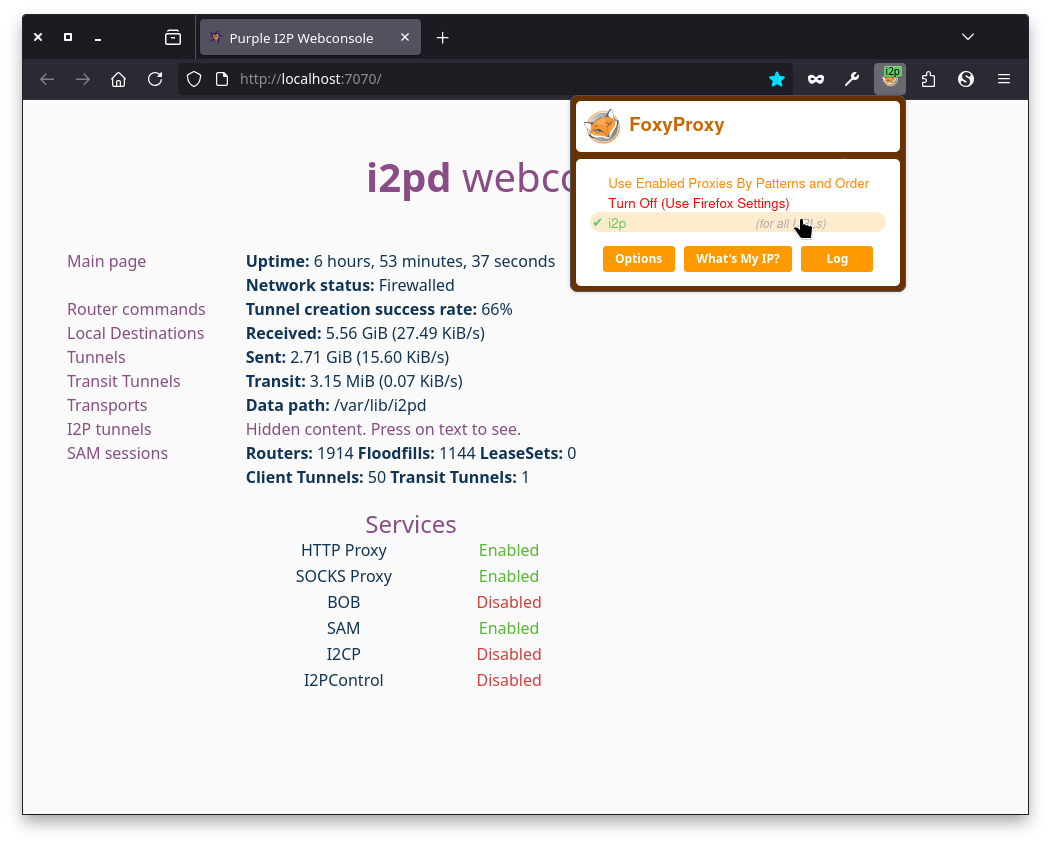
Go into options and set the same settings you would normally put into Firefox proxy panel; see description above.
configure your browser
One reason to make a separate browser profile for I2P is so you can customize security and other settings specifically for I2P use. I wrote a post about browser security settings earlier - please read it and harden your browser. Priority number one is no Javascript!
chnaging search settings
One of the main things you might want to change is the search engine settings. Instead of using DuckDuckGo or StartPage or your usual search engine, you can use eepsite search engines. I like to use search.i2p or schizoid.i2p but your mileage may vary.
I2P browser
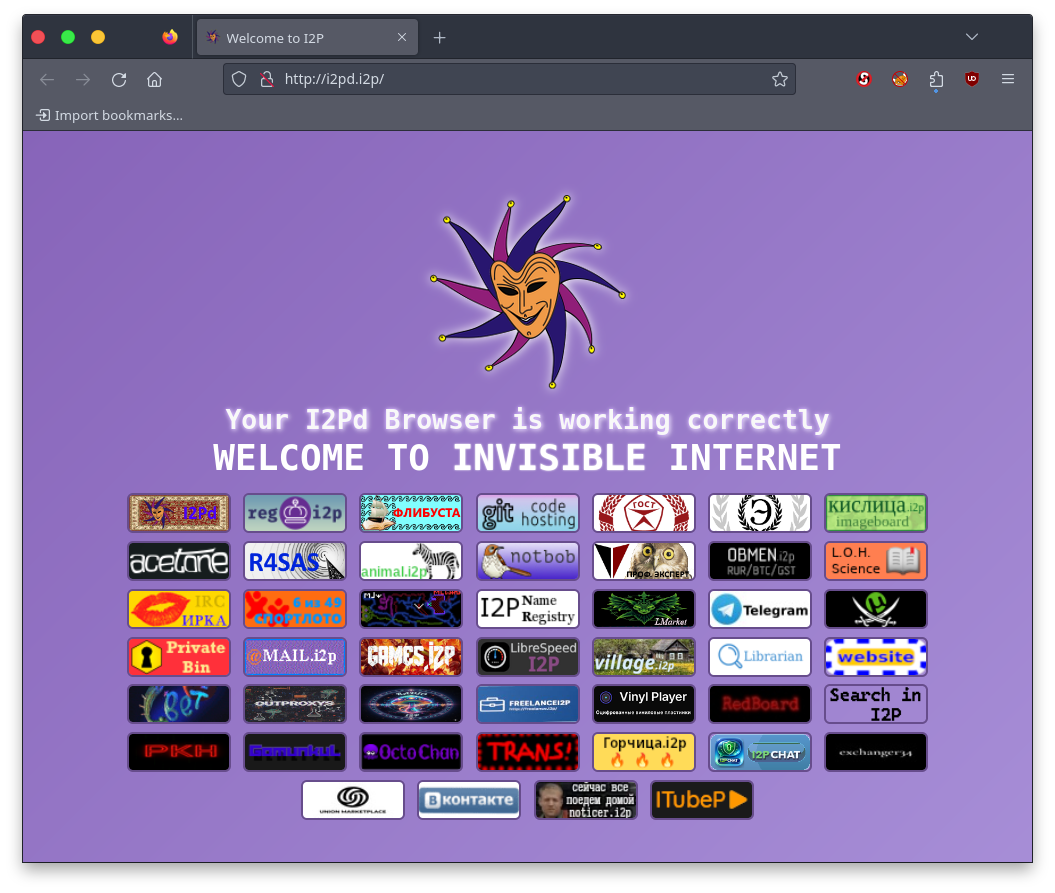
There is a browser customized for I2P, it's called i2pd browser. This modified Firefox browser customizes settings, search, certificates, bookmarks, etc. The links on its homepage are generally Russian eepsites.
The i2p+ router actually runs on android devices; it might be the only solution widely available for these.